
Prayer times & adhan
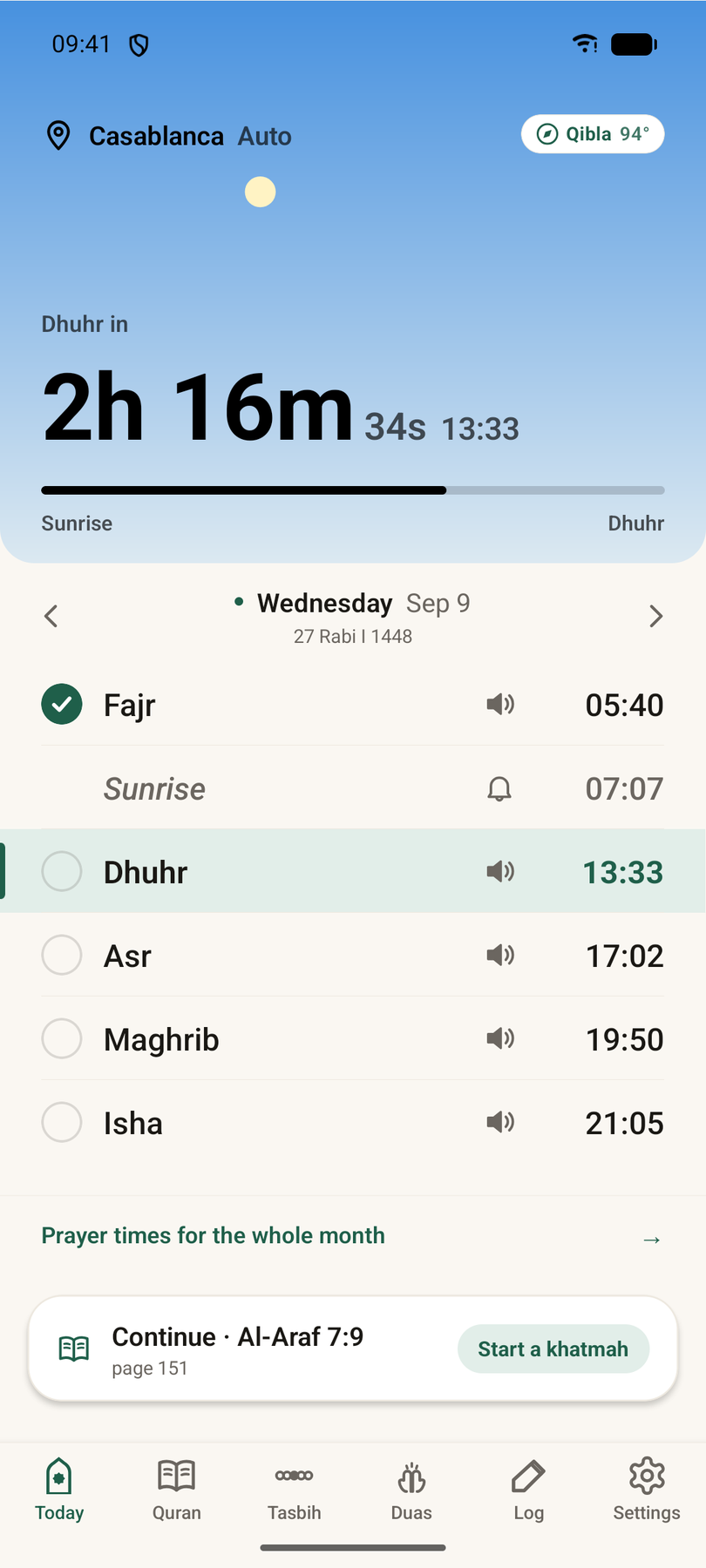
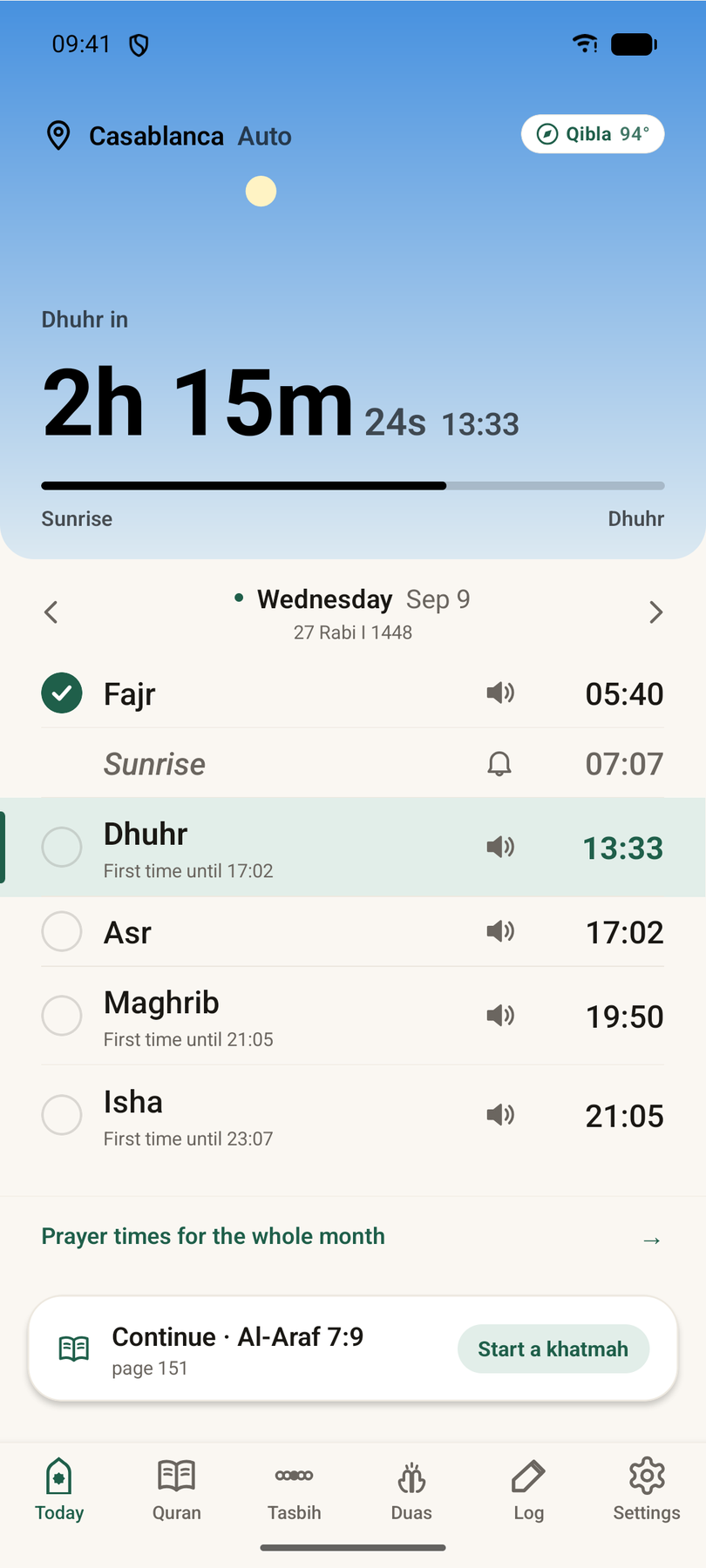
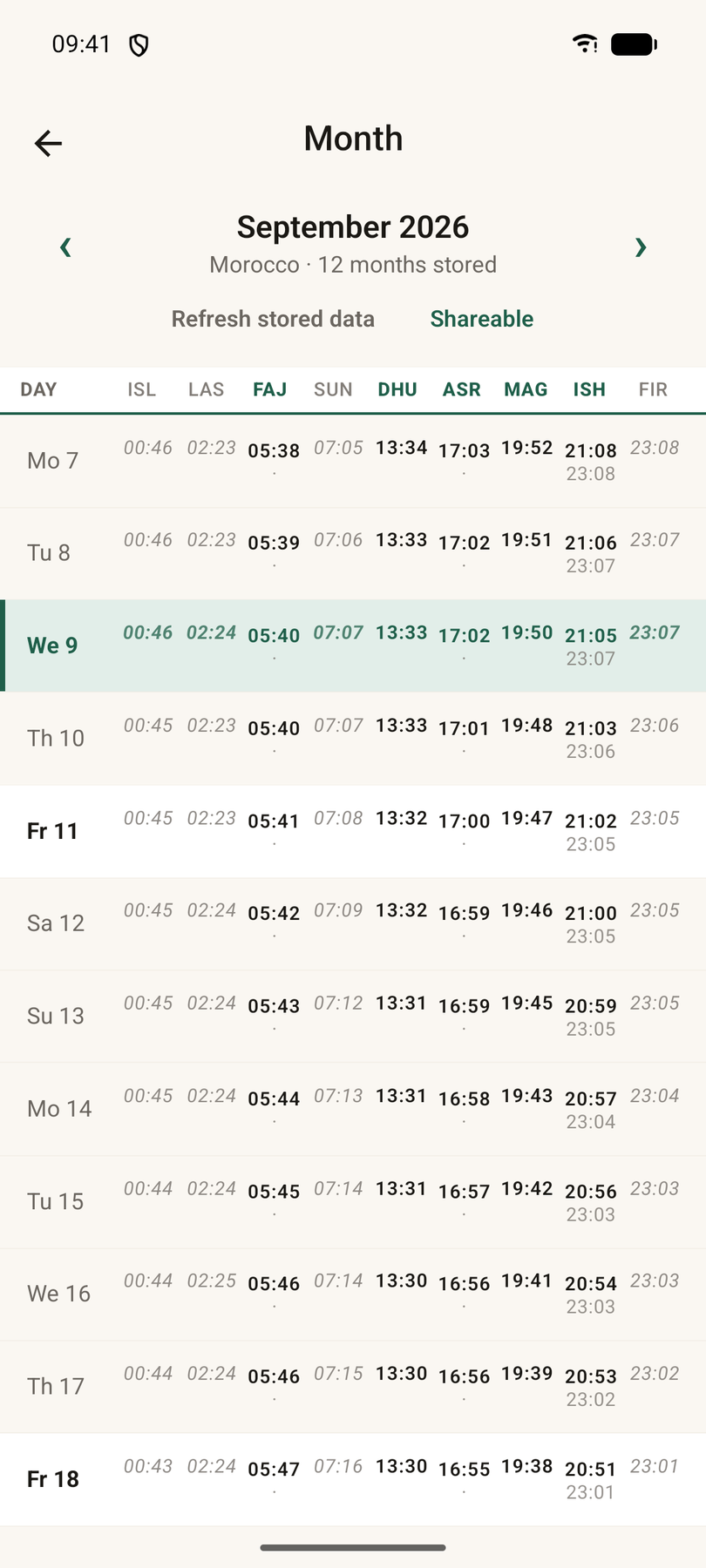
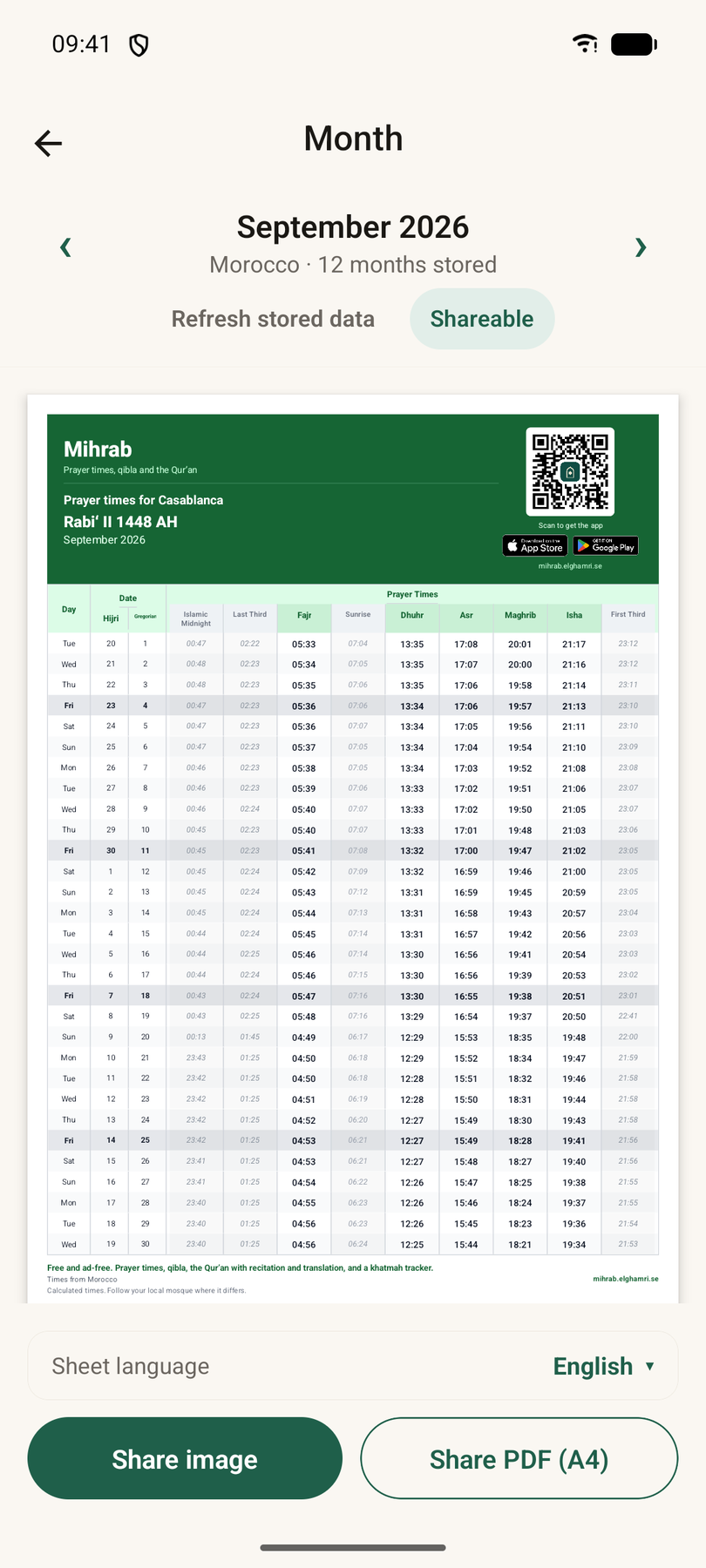
Precise times for all five prayers, a live countdown to the next one, an adhan alert for each, and the full month in one table.
Version 1.0.0 — available now
Adhan alerts, a qibla compass, home-screen widgets and the complete Madani mushaf — with no account, no ads and no analytics. Set your location once and everything is computed on the phone itself, so the whole day works offline.
Download
The app is distributed directly as an APK — the simplest and safest way to get it. The file is signed and verified.
Tap the button below to save Mihrab-v1.0.0.apk.
On first install Android asks once to “install from unknown sources” — allow it.
Open the app, set your location — everything else is set up for you.
≈ 54 MB • signed & safe

Features
Prayer, Quran, duas and fasting — every feature is laid out calmly and deliberately. No clutter, and no ads either.
Precise times for all five prayers, a live countdown to the next one, an adhan alert for each, and the full month in one table.
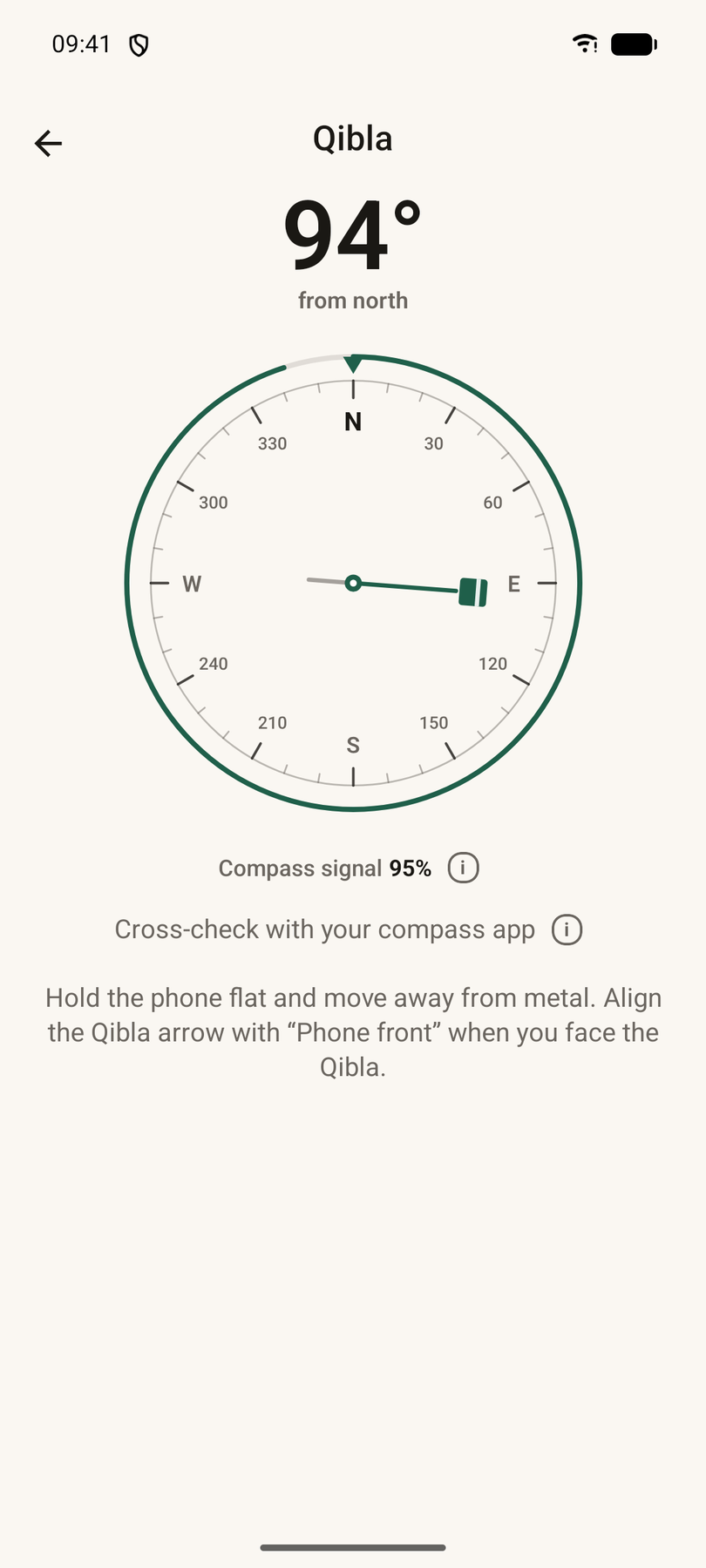
The right direction anywhere, any time — with a signal-strength reading beside the dial so you can trust the bearing.
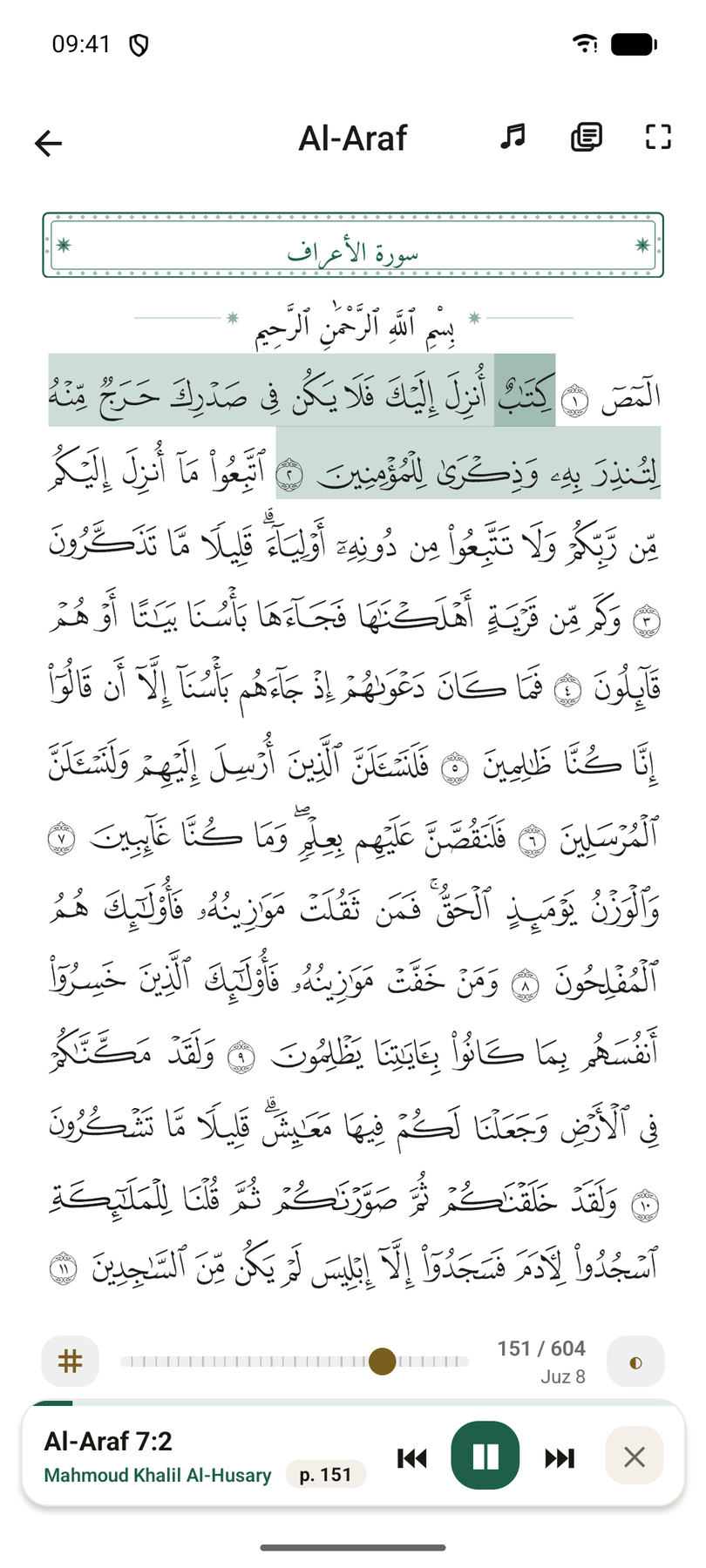
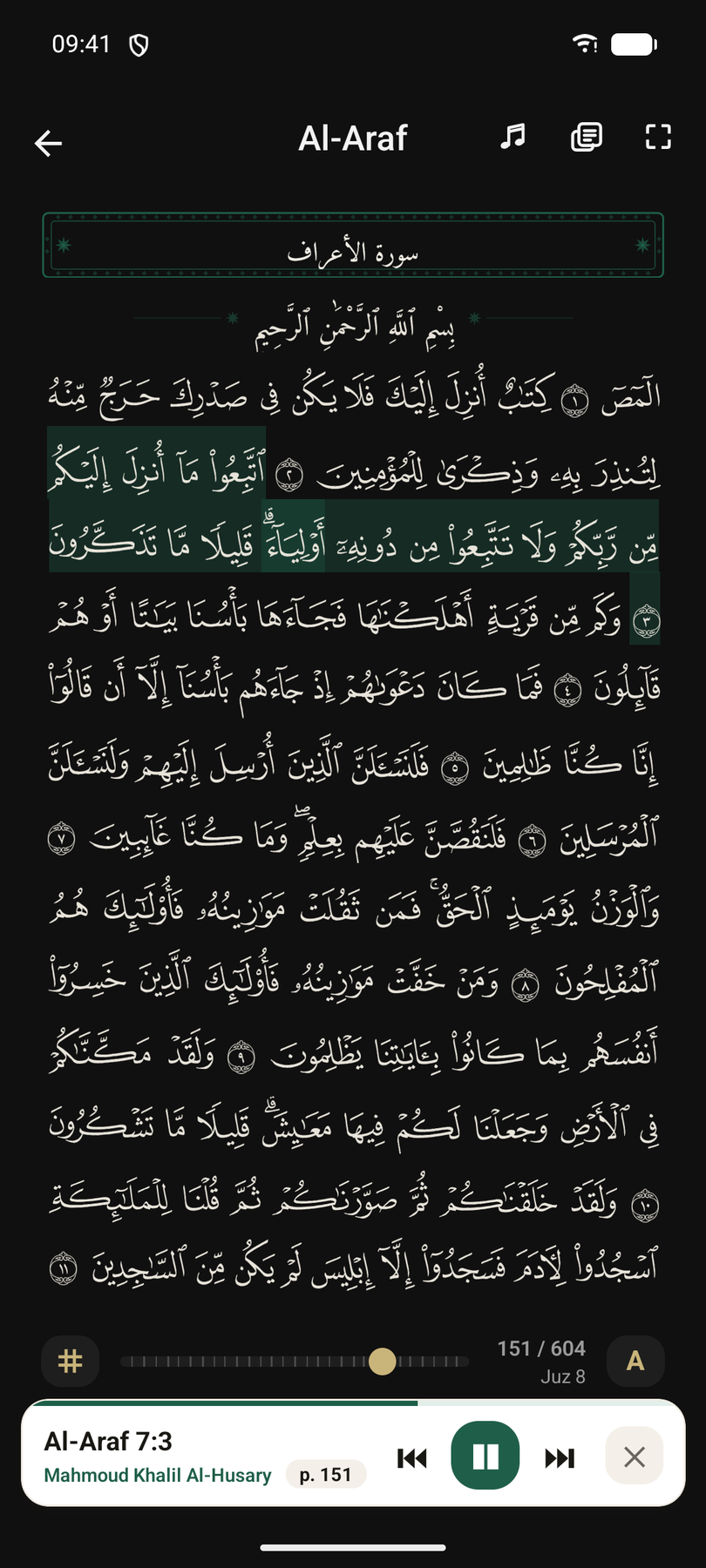
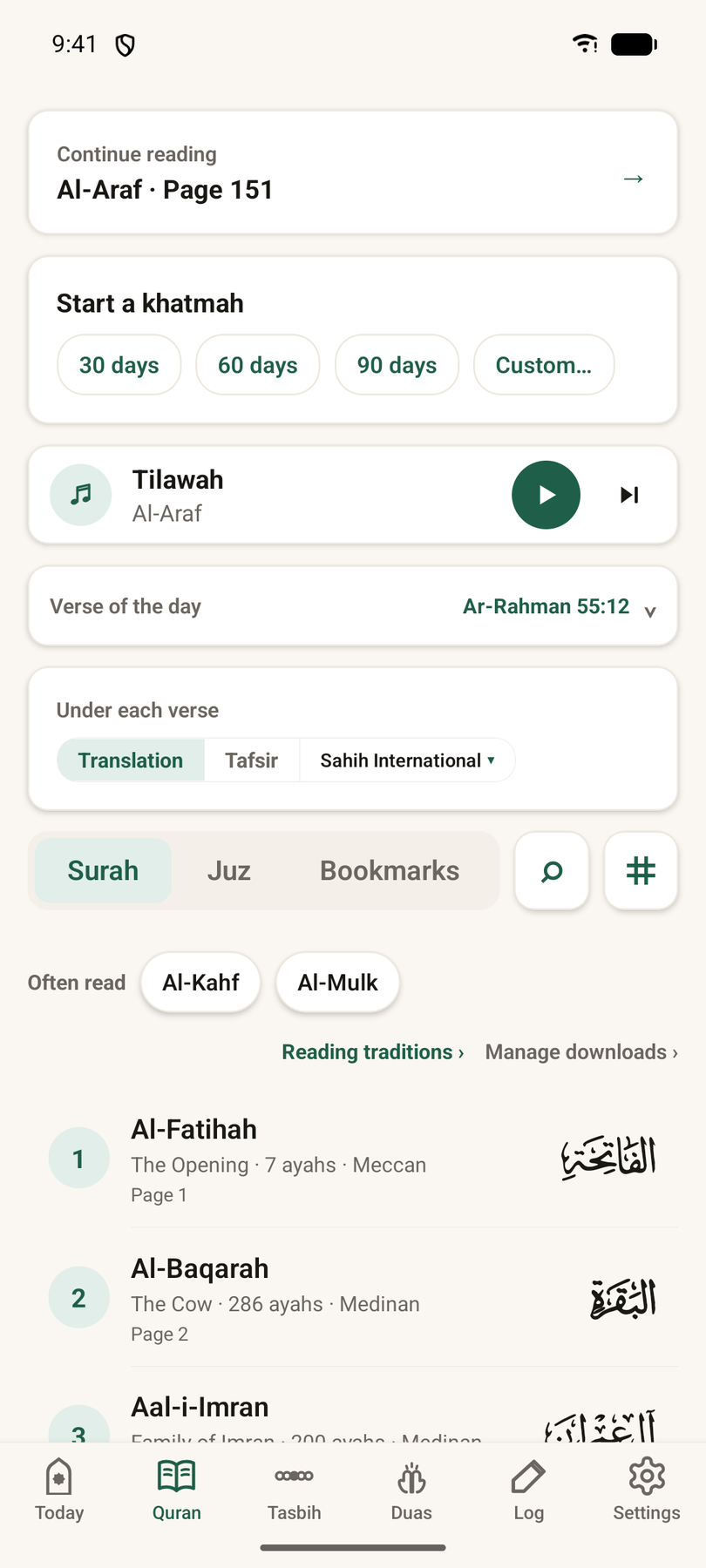
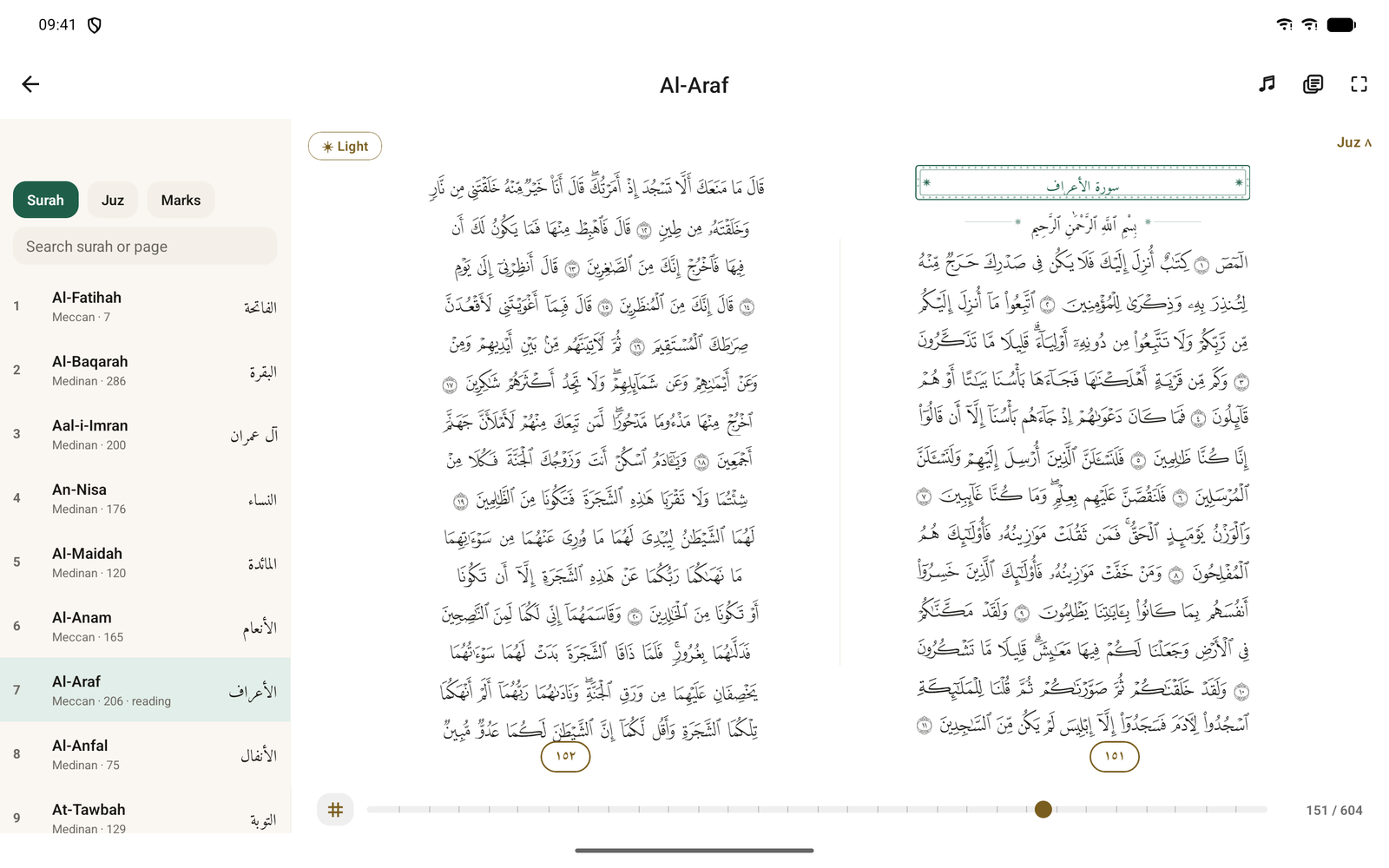
The printed page itself, in four riwayahs. On a tablet it opens two facing pages — like the physical copy.
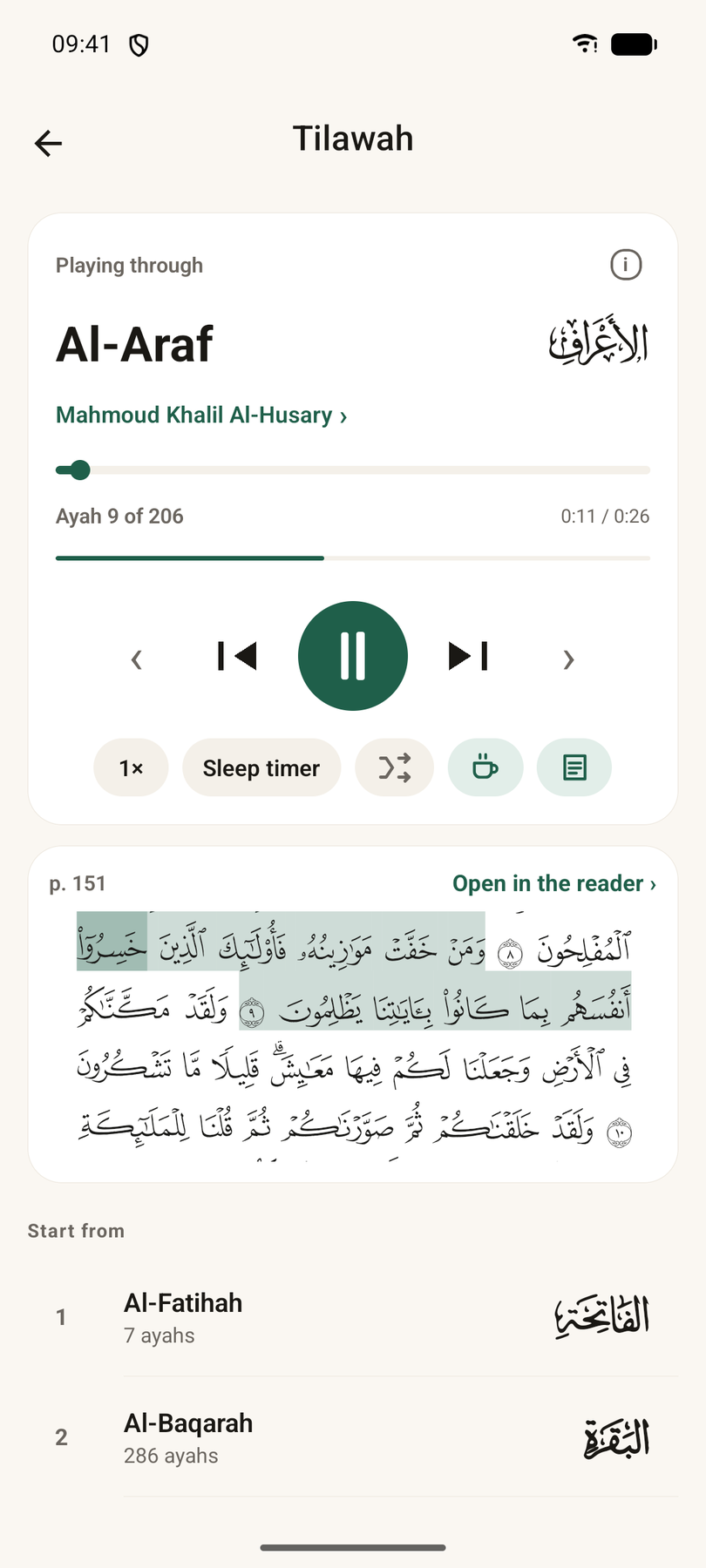
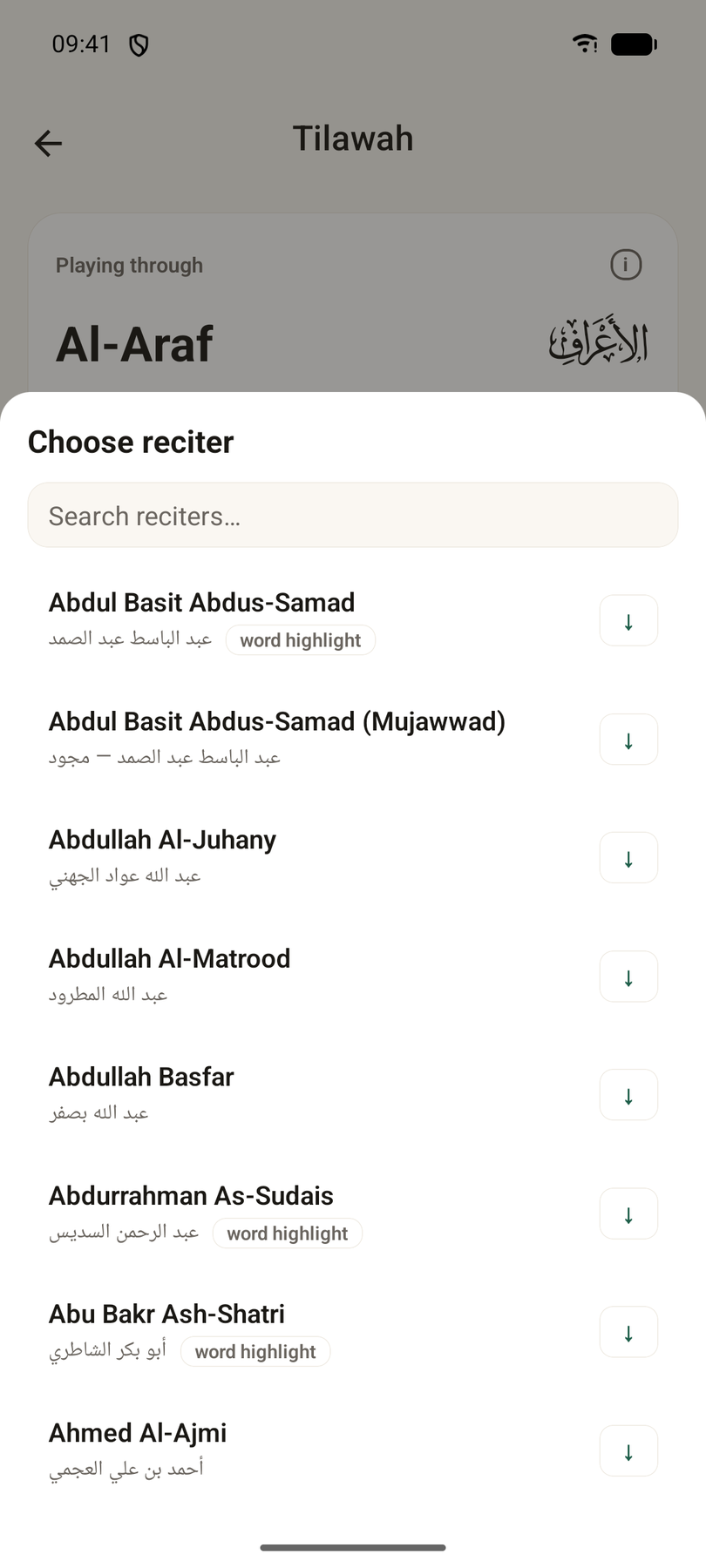
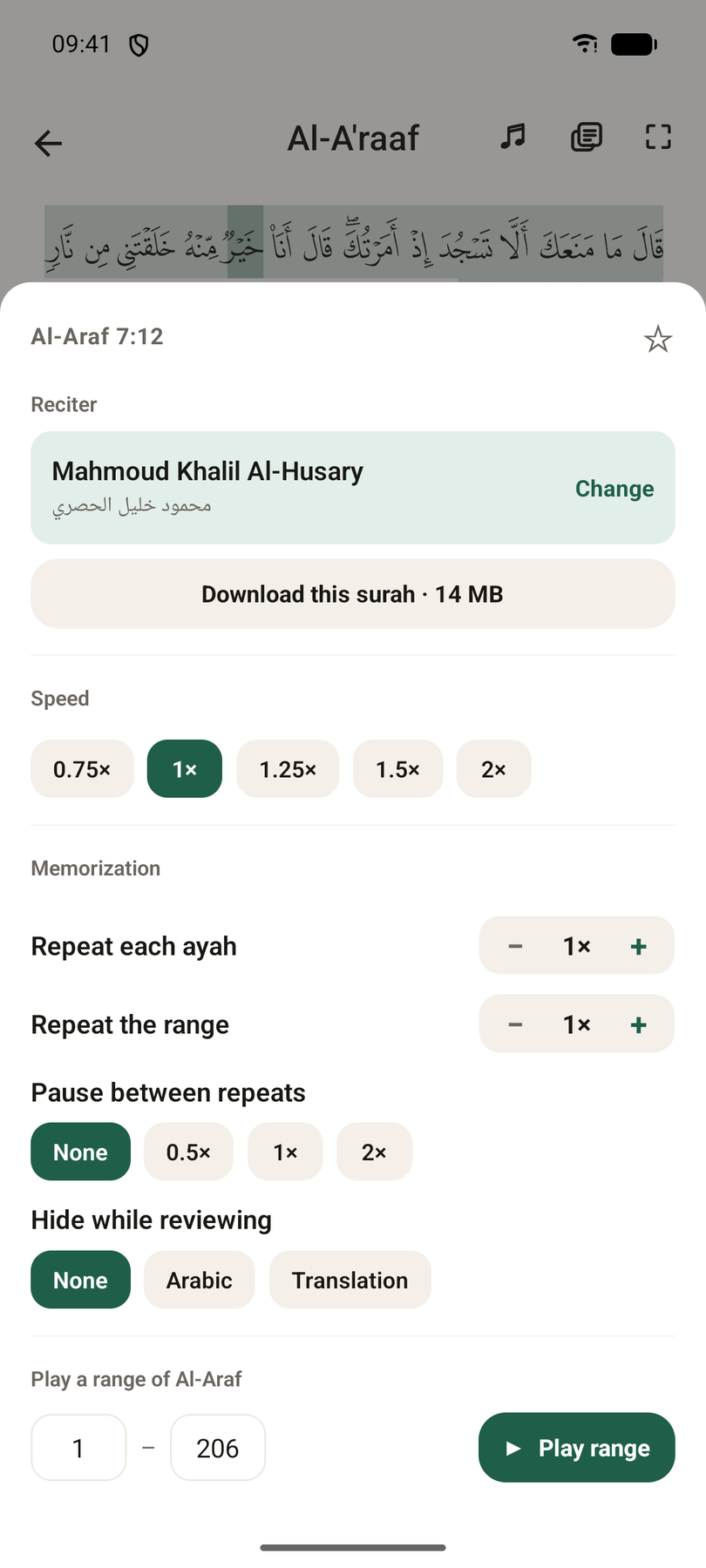
Forty-two world-famous reciters, word-by-word highlighting, playlists that keep going with the screen off, and a repeat mode for memorizing.
Fourteen translations, Bengali among them — plus surah meanings in Bengali. Read, search and share.
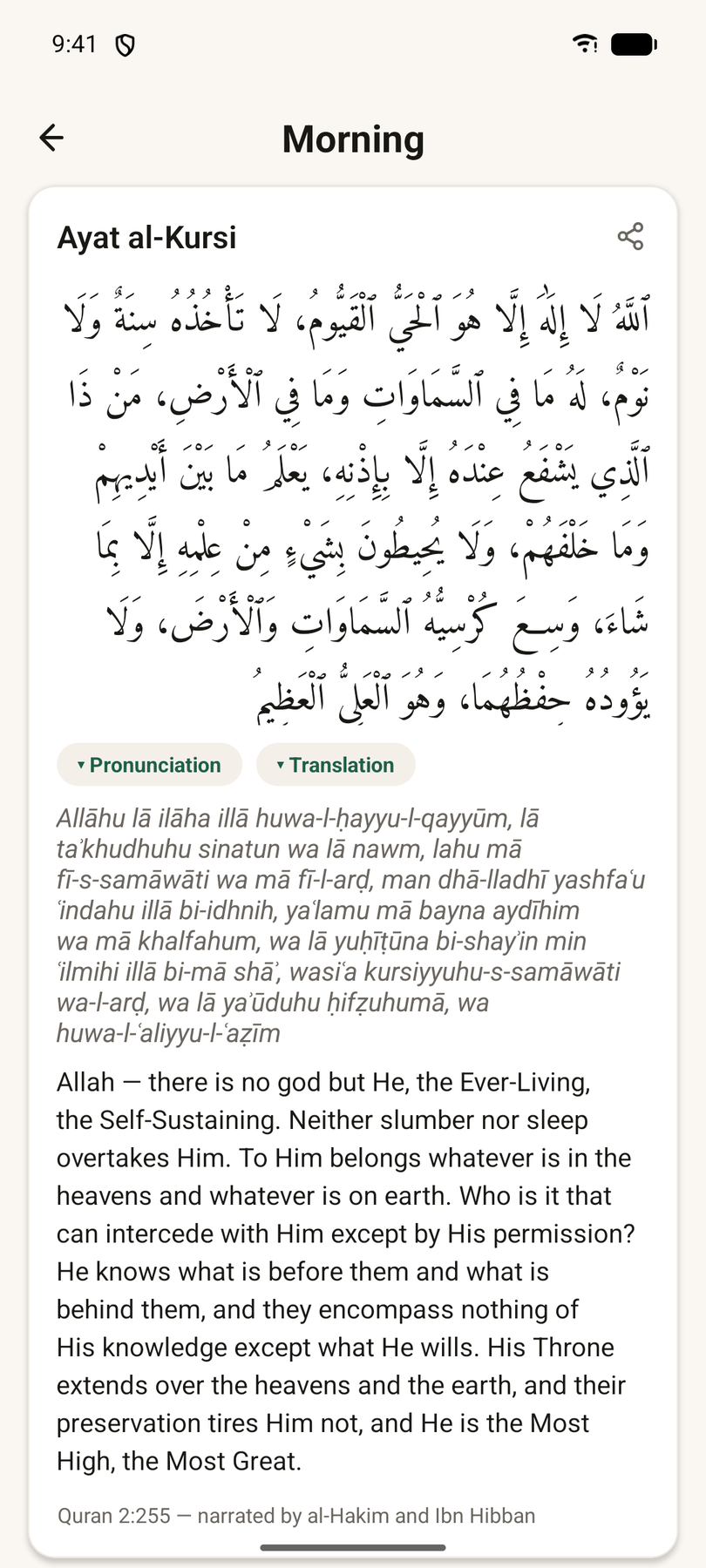
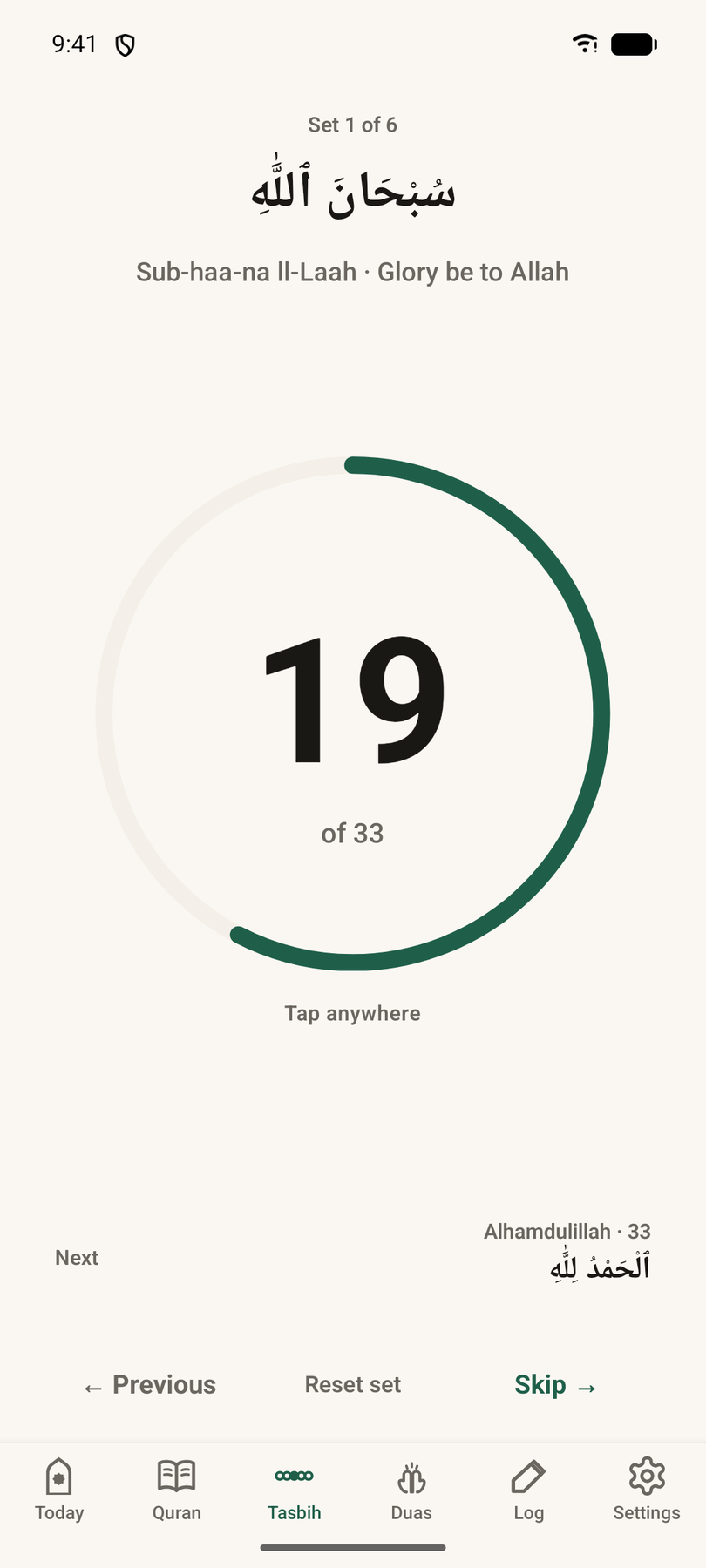
The duas of Hisn al-Muslim with Arabic, transliteration, full translation and sources — plus a beautiful dhikr counter.
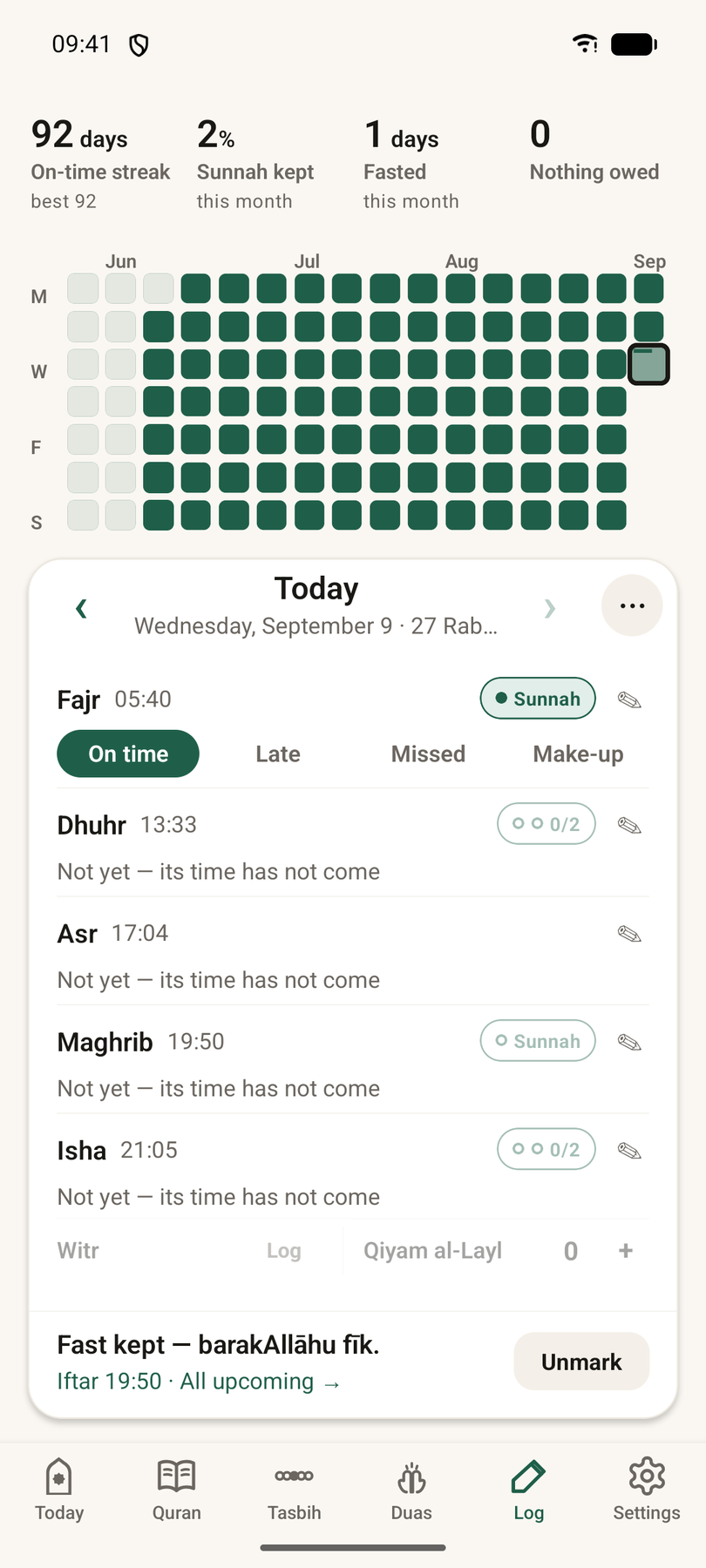
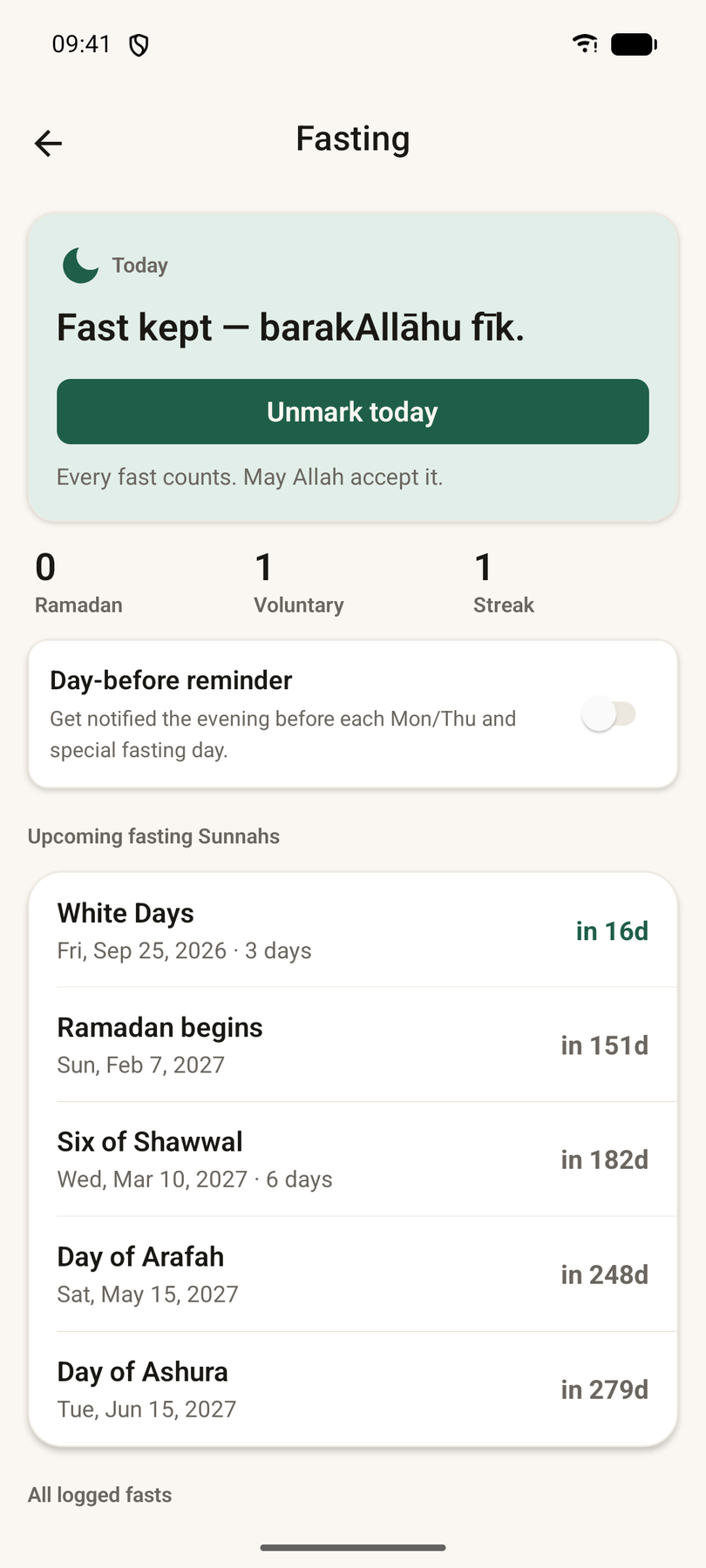
A log for your prayers, streaks, Ramadan and voluntary fasts — all at a glance, entirely offline.
The next prayer's countdown and today's sky are on your home screen — before the app is even open.
Screenshots
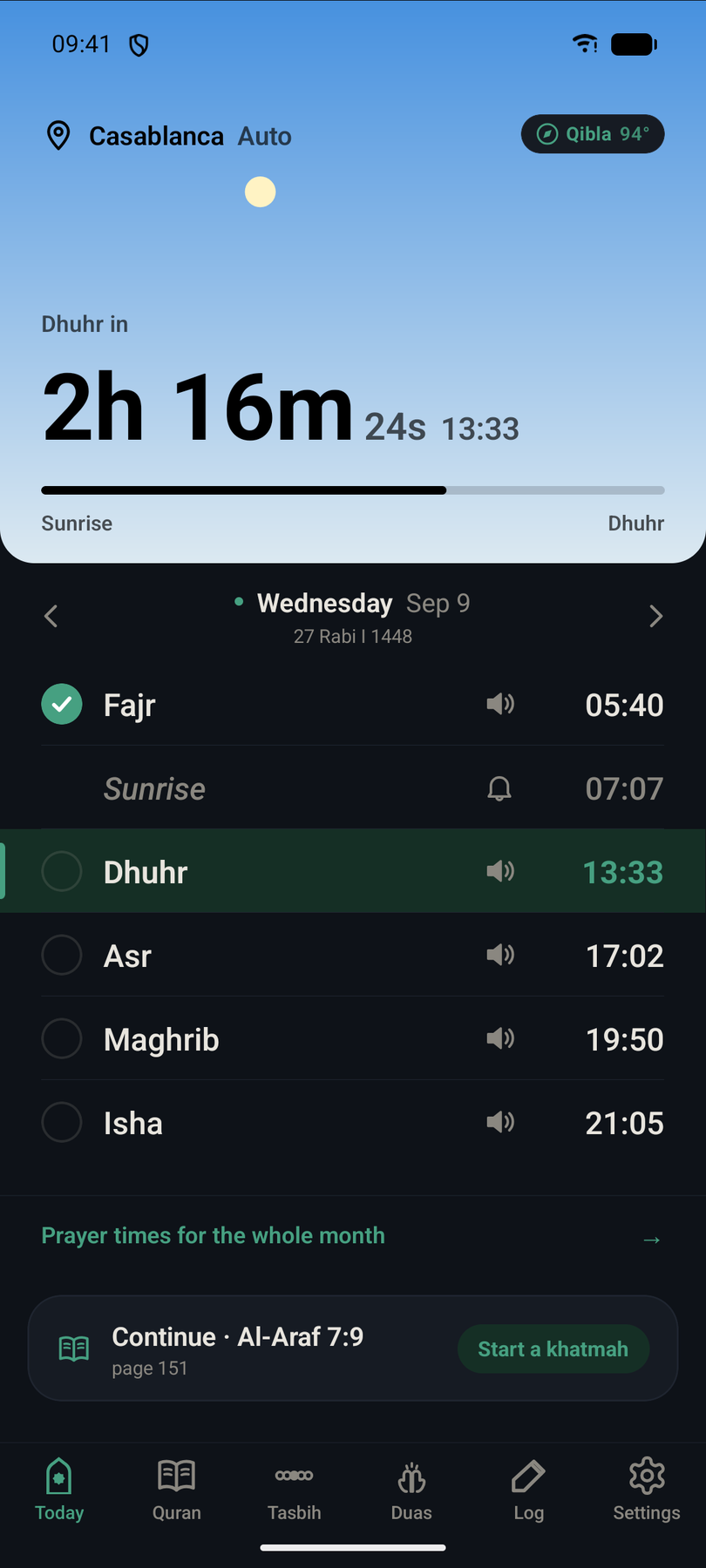
Light and dark, on phone and tablet. Tap any image to view it full size.
Privacy
Your location, five times a day, is the most sensitive thing a prayer app can touch. So there is no account, no analytics, no ad network and no crash reporting in this code.
No data is collected
Settings, saved locations (encrypted), the prayer journal and fasting log — all on your phone. Alerts are scheduled locally.
Times from the source you pick, place search, and downloads of mushaf pages, translations and recitations.
No ads, no trackers, no analytics package, no crash reporter, no account. The F-Droid-style clean build has no Google Play services either.
FAQ
Yes. Mihrab is open source under AGPL-3.0: no purchases, no subscription, no hidden charges — there isn't even a donate button.
None. There is no ad network, no analytics package, no crash reporter and no account system — these libraries were never added to the project.
Yes. Once you set your location, times are computed on the device and alerts are scheduled locally — the whole day works with the network closed.
Download the APK from the download section, open it, allow “install from unknown sources” once, then tap Install. Three steps.
Any phone running Android 7.0 (Nougat) or newer. The file is about 54 MB and ships both arm64-v8a and armeabi-v7a binaries.
Your location, settings and prayer journal all stay on your device — nothing is sent to any server. See the privacy section above.